
Wasting your ad budget on audiences that are asleep or offline is a common yet avoidable mistake. To maximize every dollar, you must learn and apply effective facebook ad scheduling time zones strategies. This is not just a technical setting; it is a core component of a profitable advertising campaign. By delivering your message when your audience is most receptive, you directly improve engagement, conversions, and overall return on investment.
Contents
Why time zone matters in Facebook ad scheduling

Why effective time zone scheduling is crucial for ROAS
The primary goal of ad scheduling is to maximize your return on ad spend (ROAS) by concentrating your budget on peak performance periods. When you run ads 24/7, you inevitably spend money reaching users when they are least likely to engage or convert. This is especially critical for campaigns targeting audiences in different countries. A 9 AM launch in New York is a 6 AM start in California. Without time zone-aware scheduling, you risk showing offers to a sleeping audience, wasting budget and missing prime conversion windows.
Ignoring this crucial detail leads to several negative outcomes that directly impact your campaign’s health and profitability. It affects more than just your immediate ad spend.
- Wasted Budget: Your funds are spent on impressions with little to no chance of conversion during off-hours.
- Lower Engagement: Ads shown at irrelevant times can lower your overall click-through rate and quality score.
- Skewed Data: Poor performance during inactive hours can distort your analytics, making true optimization difficult.
This strategic timing is the foundation for achieving a higher return. It directly influences what is a good ROI for Facebook ads, as every dollar is spent with purpose.
Ad account time zone vs viewer time zone explained
Choosing between account and viewer time zones
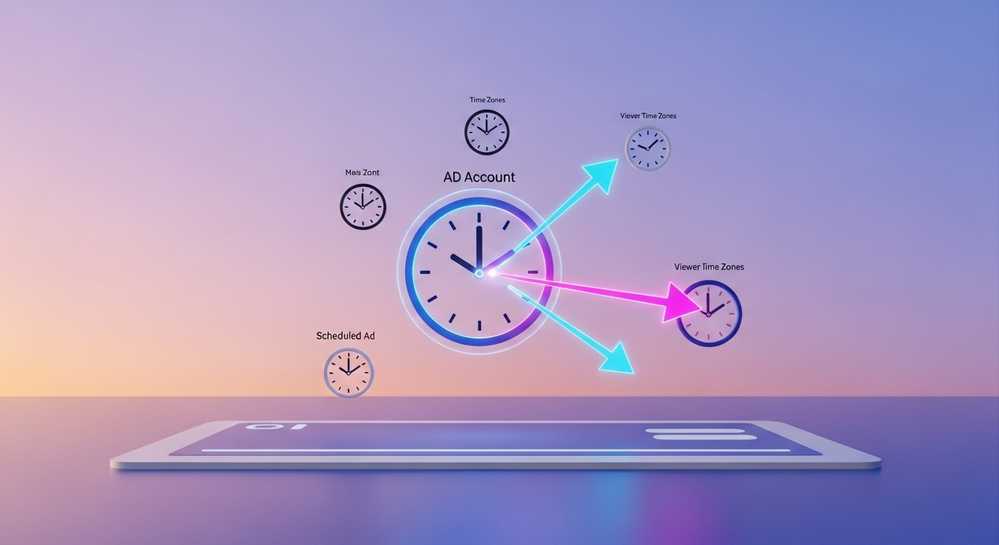
A common point of confusion for advertisers is the time zone setting within Meta Ads Manager. When you set up lifetime budgets, Facebook offers two distinct options. Understanding this difference is crucial for effective scheduling, as it determines if your ads run on your time or your audience’s time. This choice directly impacts campaign performance and budget efficiency.
- Ad Account Time Zone: This setting runs ads based on your ad account’s clock. If your account is set to Pacific Standard Time and you schedule ads from 9 AM to 5 PM, they run during those hours PST, regardless of viewer location. This method is only ideal for hyper-local campaigns.
- Viewer’s Time Zone: This option delivers ads according to each user’s local time. A 9 AM to 5 PM schedule reaches someone in New York during their 9-5 window and someone in California during theirs. This is the superior setting for national or global reach.
For most campaigns, selecting the viewer’s time zone is the correct strategic move. It aligns your delivery with audience behavior, which is fundamental to discovering the best time to run Facebook ads in every market you target.
How to identify your audience peak active hours
Effective scheduling is not about guessing; it is about data. Before setting a schedule, you need to determine when your target audience is most active and likely to convert. This is the key to mastering effective Facebook ad scheduling time zones. There are two primary methods to gather this crucial information, combining your own performance history with platform insights.
First, analyze your past campaign performance. Go into Meta Ads Manager and break down your results by day and hour. Look for patterns in metrics like Link Clicks, Add to Carts, or Purchases. The data will often reveal clear windows where your cost-per-result is lowest and conversions are highest. Finding undefined can simplify this analysis and help visualize trends.
Second, use Meta Audience Insights. While this tool has evolved, it still provides valuable demographic and activity data. Use it to understand the general lifestyle and online habits of your target demographic. This qualitative insight, combined with your own performance data, provides a solid foundation for building an initial ad schedule to test and refine.
A step by step guide to setting up ad scheduling
Once you have identified your optimal time windows, implementing ad scheduling in Meta Ads Manager is straightforward. This powerful feature puts your data into action. Remember, this option is only available for campaigns using a lifetime budget, not a daily budget. This is a critical prerequisite for gaining granular control over your ad delivery times.
- Step 1: Choose a Lifetime Budget. In your campaign setup at the ad set level, navigate to the Budget and Schedule section. You must select “Lifetime Budget” from the dropdown menu to proceed.
- Step 2: Locate Ad Scheduling. After selecting a lifetime budget, the “Ad scheduling” option will appear. Click the “Edit” link to reveal the scheduling interface.
- Step 3: Select Your Time Zone Basis. Choose between “Use viewer’s time zone” or the ad account’s time zone. As discussed, the viewer’s time zone is best for most campaigns.
- Step 4: Build Your Schedule. A grid representing every hour of the week will appear. Click and drag to select the exact days and hours you want ads to run.
- Step 5: Publish Your Campaign. After setting your schedule, complete the rest of your ad setup and click “Publish”. Your ads will now only serve during your specified peak hours.
Advanced strategies and common mistakes to avoid
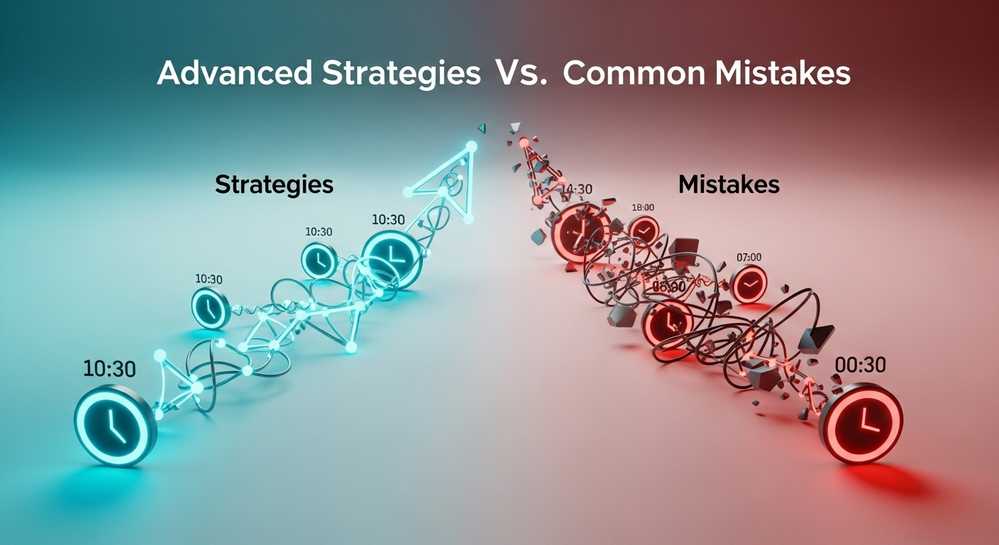
To elevate your scheduling from good to great, consider more advanced tactics and be aware of common pitfalls. One major mistake is the “set it and forget it” mindset. Audience behavior can change, so you should review and adjust your schedule quarterly based on fresh performance data. This ensures your strategy for effective facebook ad scheduling time zones remains relevant and profitable.
For global campaigns, avoid using a single ad set for wildly different time zones like North America and Australia. It is more effective to create separate ad sets for each major region. This allows you to tailor not only the schedule but also the budget and creative to each market’s peak hours and cultural context. This segmentation is a hallmark of sophisticated campaign management.
Finally, always be testing. Create a duplicate of your ad set and run it with a different schedule. For example, you could test a weekend-only schedule against your standard weekday schedule to see which one delivers a better ROAS. Continuous testing is the key to discovering the most profitable delivery times for your unique audience and offers.
Ultimately, treating ad scheduling as a strategic lever rather than a set-and-forget option is what separates average campaigns from highly profitable ones. By understanding your audience and leveraging Meta’s tools, you can ensure your message lands with maximum impact. Ready to run campaigns without limits? Rent Facebook Account now and scale your advertising efforts with confidence and security.